
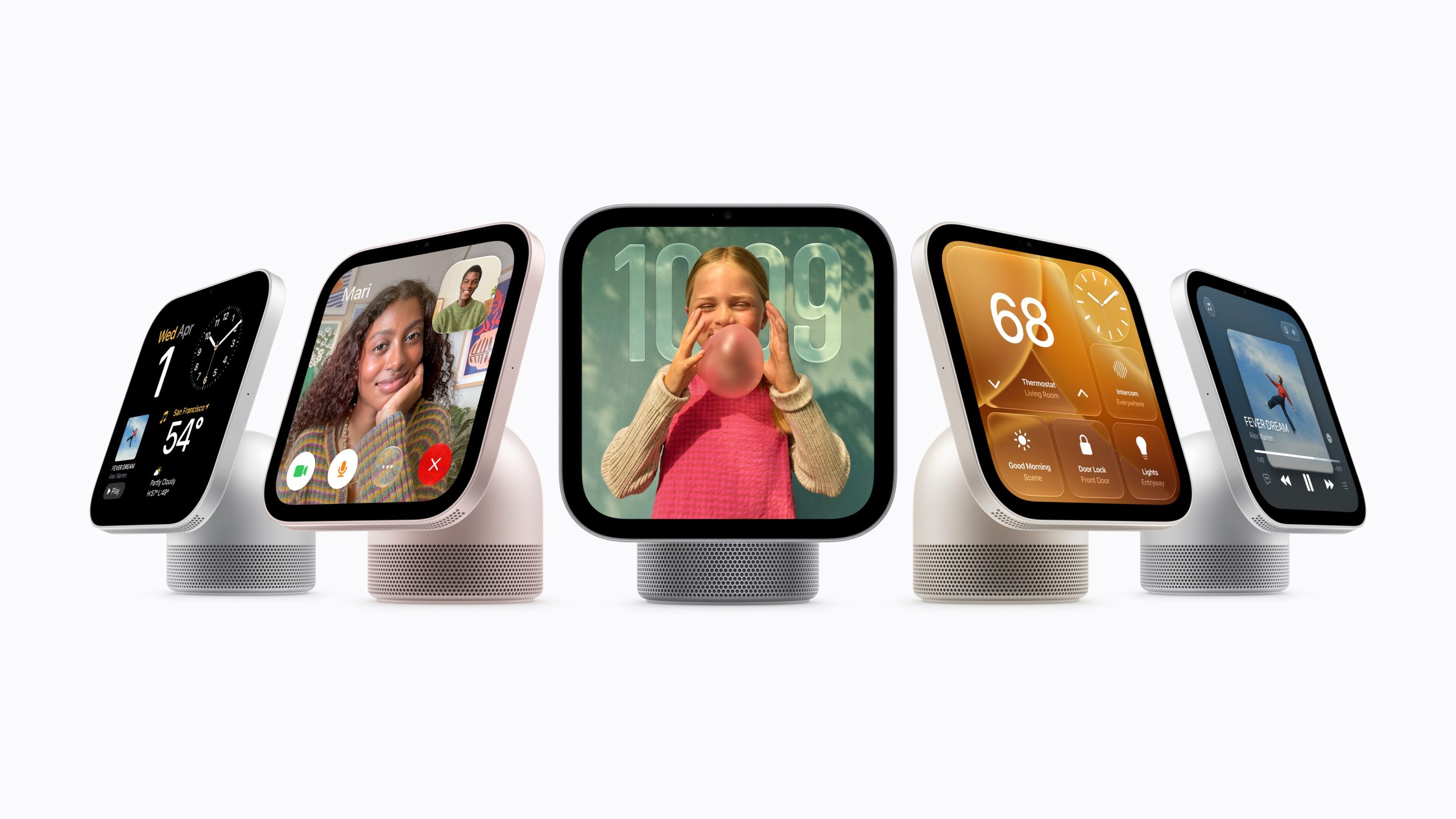
TechAIAppleApple launches HomeView, its first smart display for the homeAs Apple debuts Siri AI in the home, it’s focusing on a beautiful, multipurpose screen (and hiding your text messages from your kids), rather than innovative new smart-home features.by Jennifer Pattison TuohyOct 13, 2026, 1:00 PM UTCShareGiftThe HomeView is a smart speaker with a touchscreen display. It’s available in silver, starlight, rose pink, and space grey. | Image: ApplePart OfAll the news from Apple’s ‘Welcome home’ eventsee all updates Jennifer Pattison Tuohy is a senior reviewer with over twenty years of experience. She covers smart home, IoT, and connected tech, and has written previously for Wirecutter, Wired, Dwell, BBC, and US News.It’s finally here: Apple’s long-rumored smart display, the Apple HomeView, has arrived. I got a first look at the device in New York City this week, and it’s gorgeous.
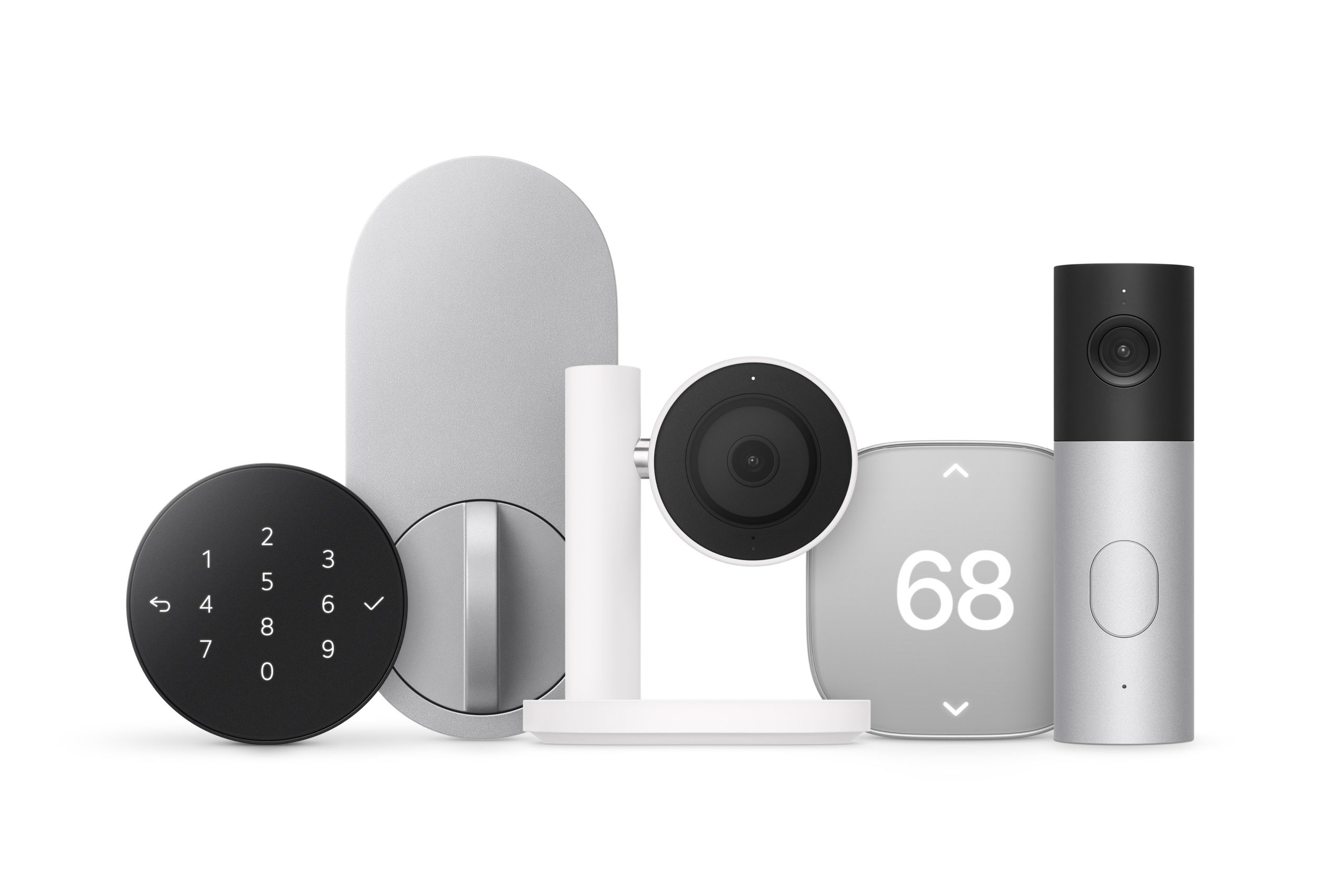
The HomeView puts a small, vibrant screen atop a speaker base for taking video calls, beautifully displaying photos, and providing information at a glance with Apple’s Siri AI voice assistant. The device’s square shape makes it feel less imposing than larger smart displays like Google’s Nest Hub Max or Amazon’s Echo Show 11, and I can see it fitting nicely on my kitchen counter — though it might be a hair too big for my bedside table.The HomeView is the centerpiece of Apple’s new push into the home. It costs $299 and launches alongside a new collection of cameras, thermostats, and a door lock designed for Apple Home. As a smart home hub, Matter controller, and Thread Border Router, the HomeView can orchestrate these and other Apple Home and Matter smart home devices.
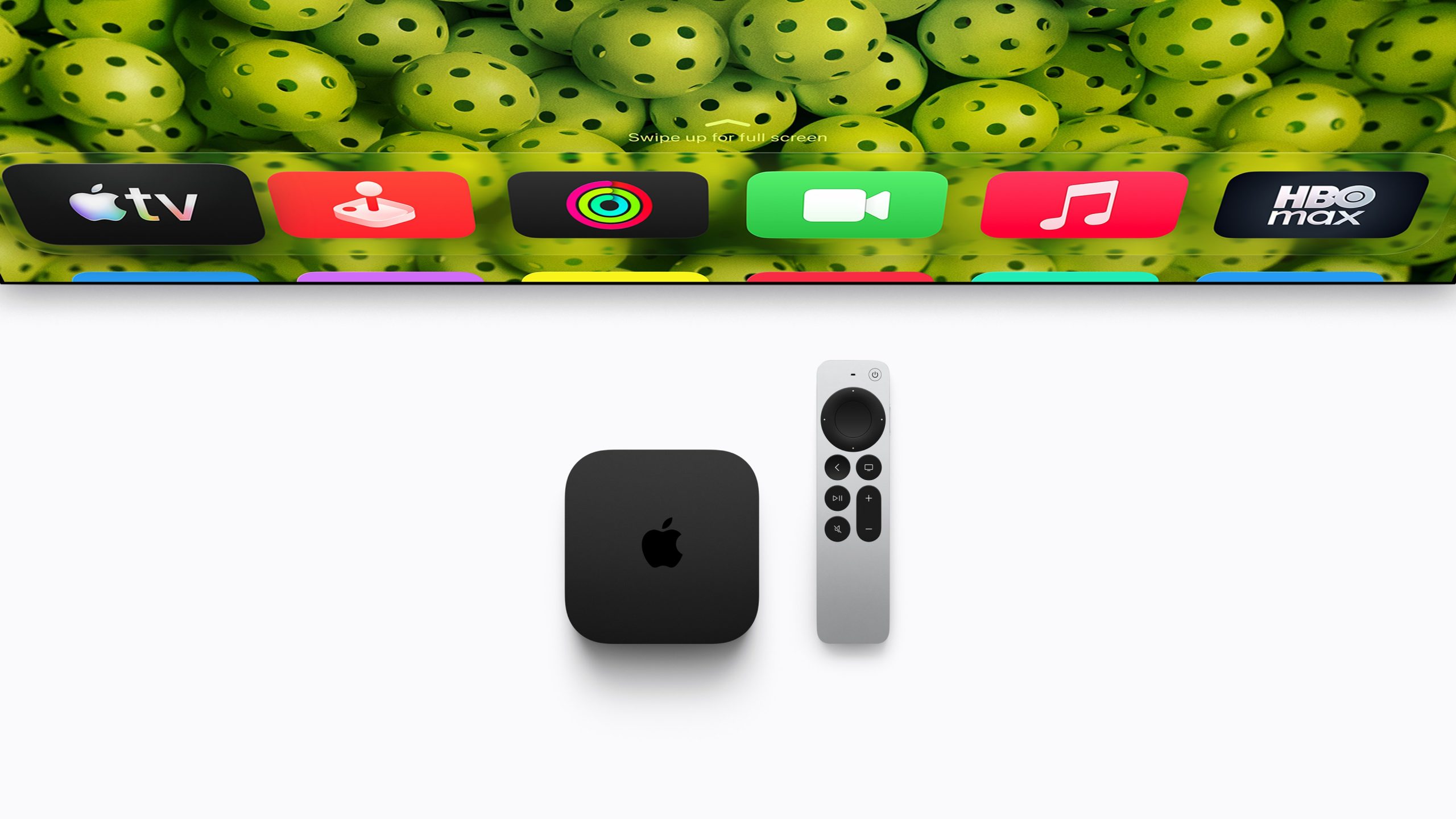
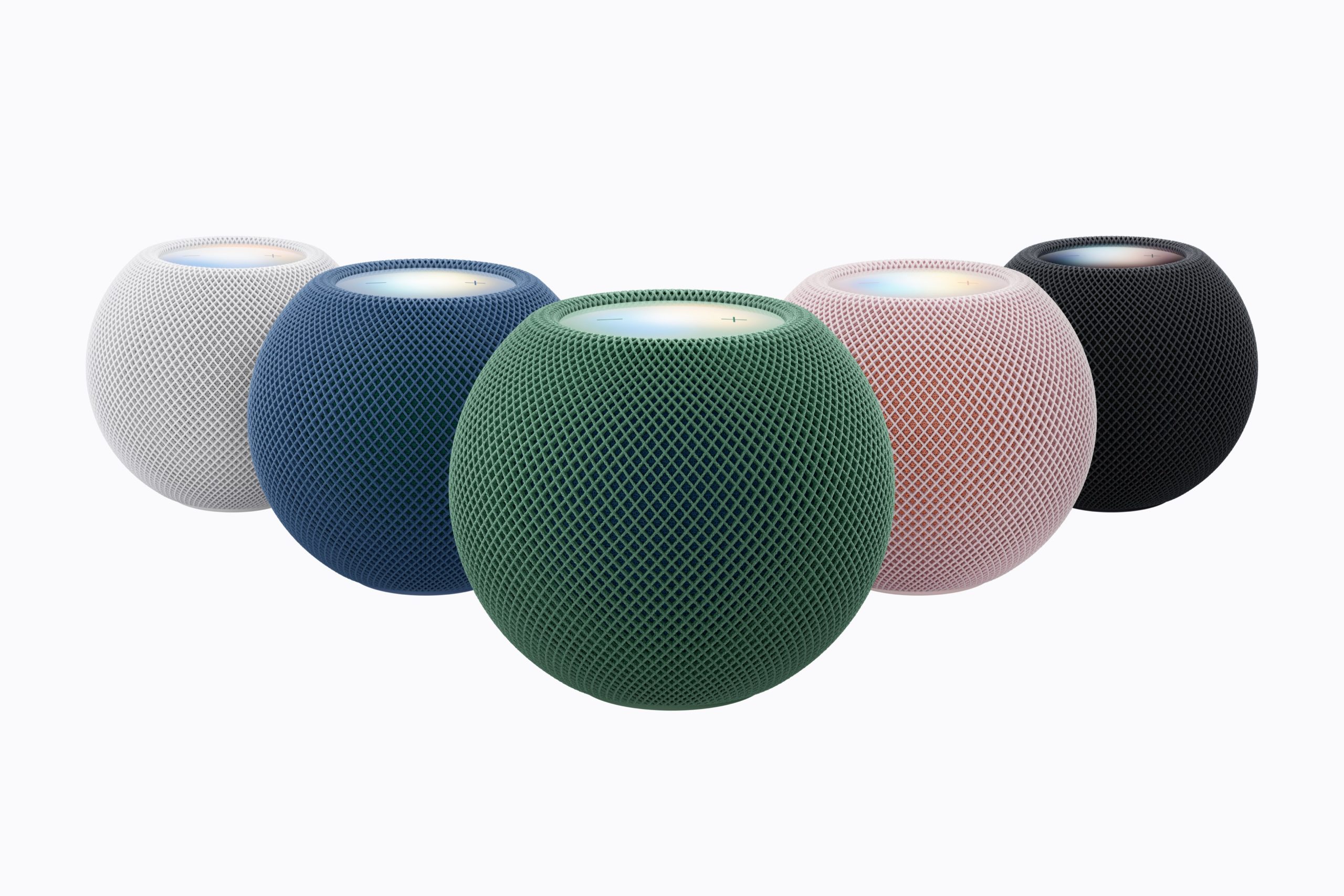
It’s available in eight countries at launch: the US, UK, Canada, Australia, New Zealand, Singapore, South Africa, and India. Pre-orders are open now, with devices shipping November 13th.The HomeView can sit on a table or counter and display customizable widgets. Image: AppleThe new smart display has Siri AI built in, enabling natural-language voice interactions to ask general-knowledge questions, control smart home devices via voice and touch, and get information using personal context from your text messages, calendar, and emails. Personal context requires facial recognition and for your Apple Intelligence-capable iPhone to be on the same network, so your kids can’t peek at your texts over breakfast.The HomeView can display neatly formatted recipes for following along as you cook, keep you in the picture on FaceTime video calls with Center Stage, and show live feeds and footage from HomeKit Secure Video cameras.RelatedApple launches a video doorbell, smart lock, and more as the Apple Home CollectionApple announces the HomePod Mini 2, but it isn’t ready for Siri AI at launchThe new Apple TV 4K has built-in microphones so you can talk to Siri AIThe HomeView’s 7-inch square screen sits atop a surprisingly small aluminum speaker base, attached by an adjustable stainless steel arm.
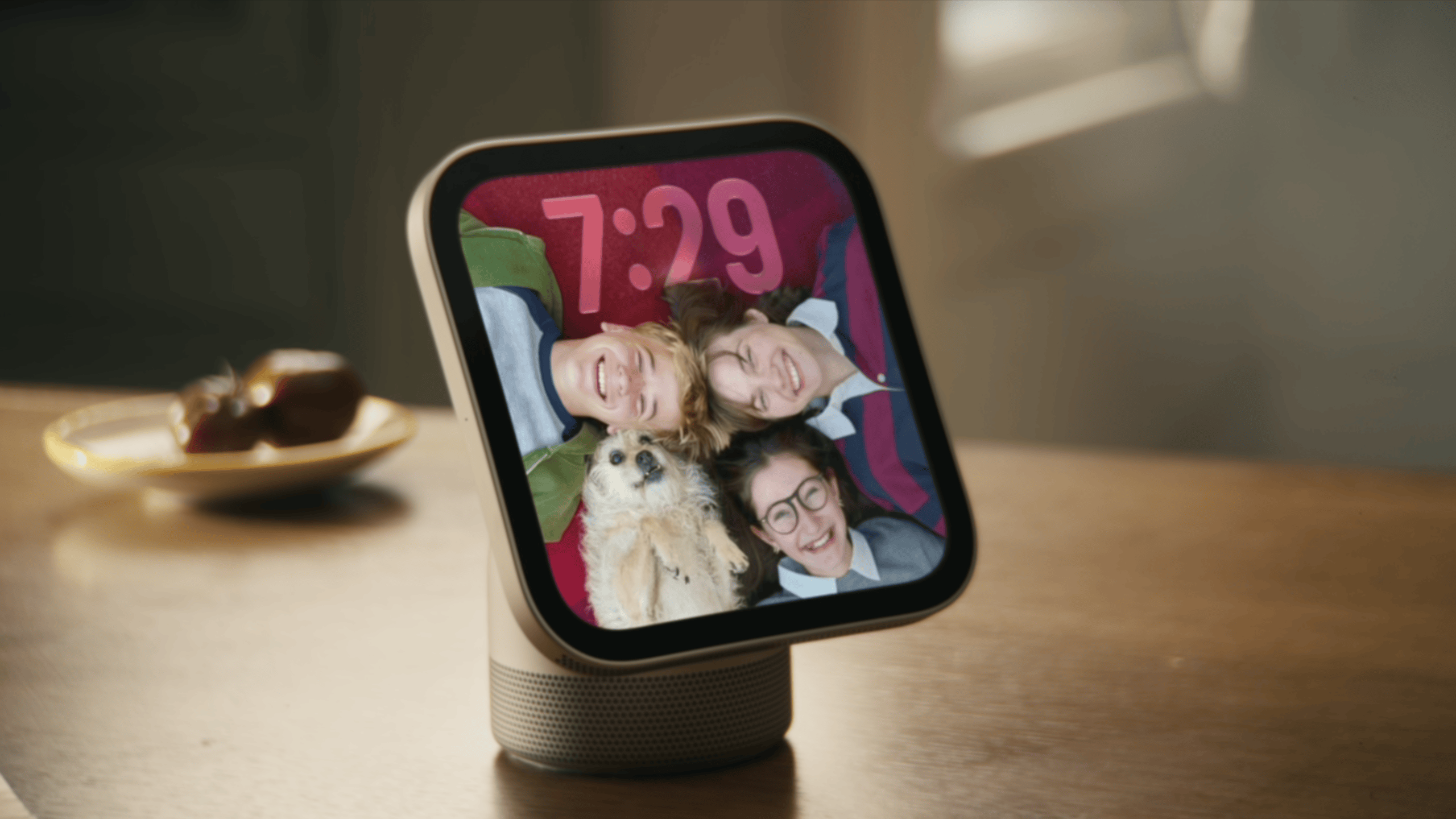
It has no physical volume or power buttons, and no cover for the 12-megapixel FaceTime camera, which Apple says is used only for video calls and facial recognition.The many faces of HomeView. Image: AppleThe screen offers a variety of customizable “faces” that feel more like a big Apple Watch than a small iPad. When idle, the HomeView can display photo faces, clock faces, and Snoopy faces, or you can use a modular face to show widgets from your most-used apps, such as your to-do list, world clock, and podcasts. A home widget face offers controls for lights, climate, cameras, and other devices.I haven’t had a chance to try the device yet, but I saw a demo showing how swiping up from the bottom of the screen pulls up a familiar app grid with Apple’s core apps — like Messages and Apple Music — all available.PreviousNext1/5HomeView comes in four subtle colors.
Photo: AppleApple also showed a video demoing how it envisions a family of five using HomeView around the kitchen counter during the morning rush. From pulling up a French toast recipe for breakfast to checking the calendar for the day to receiving a FaceTime call to asking it to find lost keys, Apple pictures the HomeView stepping in to help with common minor household crises.The video shows the daughter sending a text message to her secret boyfriend from the HomeView, and the younger brother being foiled from attempting to read it because it shuts off when it doesn’t see her face, and then everyone views a live feed of said boyfriend arriving at the front door. The most unrealistic part of the video is that no one is holding an iPhone.I’ve always seen smart displays as a good option for controlling smart home devices without having to pull out my phone and open an app. Apple’s vision for HomeView takes that to its natural conclusion: you don’t have to pull out your phone for anything when you’re home, since it’s all available on HomeView (well, at least all of Apple’s apps).
It’s an iPhone for your home.The HomeView can be wall-mounted, with the option of POE. Image: AppleThe HomeView comes in four colors: silver, starlight, rose pink, and space grey. It features two speaker drivers in the display, plus a woofer and two force-canceling passive radiators in the base for bass. Based on initial listening, the sound hits a few notches above the HomePod Mini but doesn’t compete with the HomePod.There’s a wall-mountable version without the speaker base that also costs $299 and comes with three mounting options: plug-in, in-wall power, and in-wall PoE.
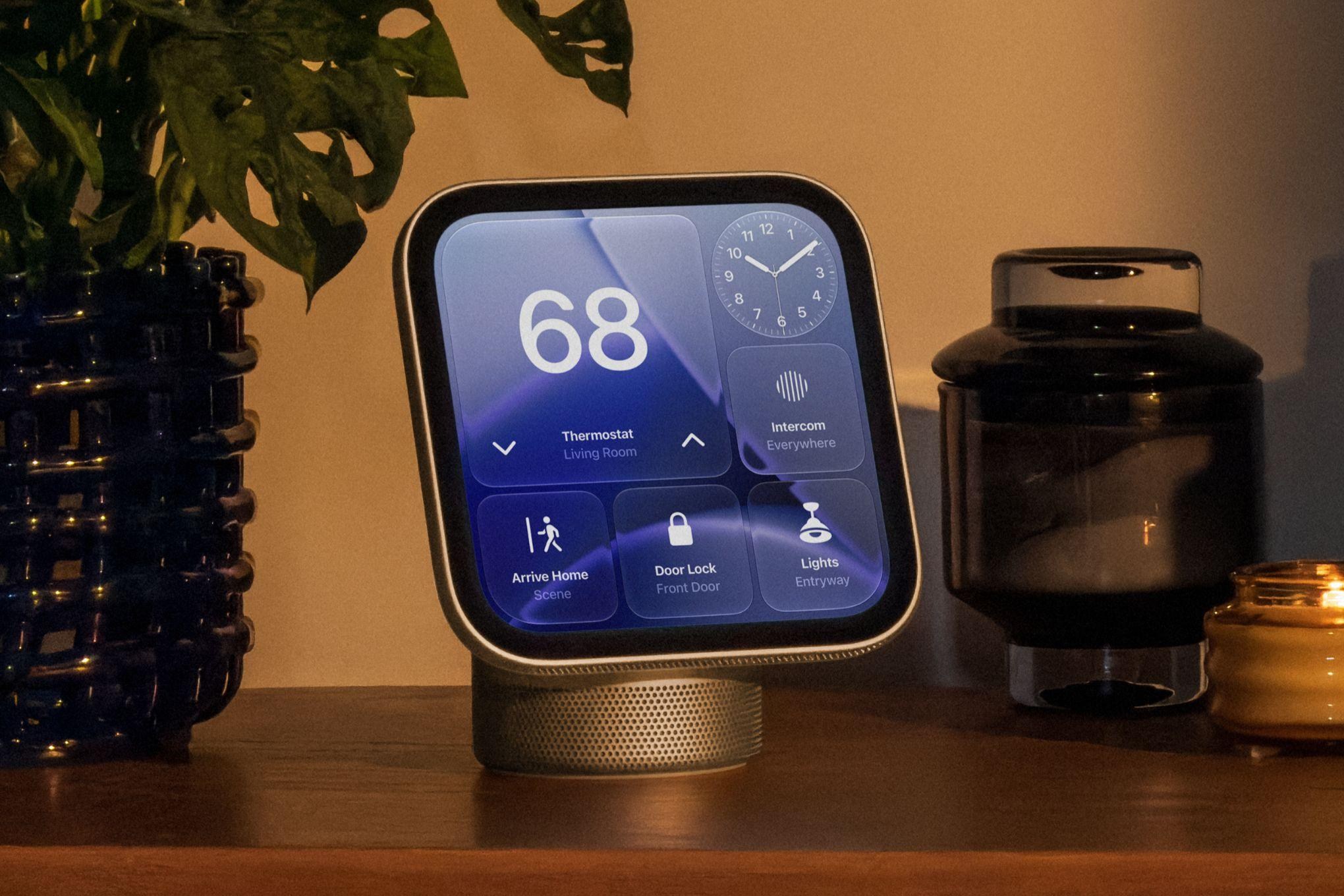
Apple says the audio is tuned for wall placement, but I didn’t get to hear it in action.The screen is wrapped in an aluminum case and has no physical buttons; the frame is just dotted with a speaker grille and microphone holes. It has a Liquid Retina display — that usually means LCD, in Apple’s language, though the company didn’t clarify — with True Tone support and ambient light adjustment, and it can go up to a bright 500 nits and down to a super-low 0.3 nits, which Apple says makes it usable as a bedside clock. The screen is large enough to see clearly from across the room but doesn’t adjust as you approach. You tap widgets to access different apps and controls, or use voice to tell it what to do.The smart home face fits up to six widgets for controlling different devices.
Image: AppleThe HomeView can set multiple timers and let you name them, but there’s no word on exactly how many. Image: AppleWhile HomeView functions as an Apple Home Hub — it enables local control of supported devices, creation of scenes and automations, and support for HomeKit Secure Video — the device feels less like a focused smart home controller and more like a way to use your iPhone less when you’re at home.The HomeView supports a number of Apple’s own apps, including Calendar, Reminders, Messages, and Music. Apple says it also works with third-party audio and video apps that support the CarPlay architecture. A few audio apps, such as Spotify and Audible, are available, but no video apps yet.You can pick up conversations started with Siri AI on the HomeView in the Siri AI app on the iPhone.
And vice versa. Image: AppleSiri AI on HomeView is the same voice assistant as the upgraded version that arrived on the iPhone with iOS 27. It has no smart-display-specific features or home-control features; it offers broad world knowledge, personal context, and natural language understanding. I saw a demo where it accepted chained requests and retained the context throughout, such as adding an event to the calendar, then setting a reminder for that same day, and adding an item to a grocery list.
However, chained requests for home devices are limited to specific device types — you can turn on the lights in the living room and the bedroom, but you can’t lock the front door and adjust the thermostat with one command.Both the tabletop and wall-mounted devices have the same features; onl







Leave a Reply